Sell more sessions, reschedule fast when the wind shifts.
Generic tools do not get wind windows, last-minute reshuffles, or multi-session courses. RidgeHQ gives you multichannel sales, bulk messaging, quick scheduling, and forms that adapt.
- 0% commission on direct bookings
- Wind speed and direction on every session
- Kite and harness sizing tied to student weight
See it on your operation
A short walkthrough of RidgeHQ mapped to how kitesurf schools actually run the day — bookings, schedule, resources, and the close.
Book a DemoTakes about two minutes to request.
The operational reality
Kite lessons only run inside a wind window, so schools lose the morning to "wind is on" messages and then a hunt for a kite in the right size. The booking tool, the gear board, and the progression cards sit in three places, and none of them read the forecast.
Core Constraints Managed
- Wind window with both a minimum and a maximum safe speed
- Wind direction suitable for the teaching zone
- Kite size and harness matched to student weight and live wind
- Radio helmet and safety-boat availability per lesson
- Pre-paid instruction hours tracked per student
How RidgeHQ helps
Sessions hold the wind forecast for your spot, and confirming one reserves the right kite size and harness for each student's weight — so a wind window becomes a full, kitted, briefed lesson in minutes.
From booking to day close:
Book the block. A student books a six-hour instruction block online, pays up front, and gives their weight and experience.
Credit the hours. Payment is captured through your own gateway and the hours are credited to the student's profile.
Collect the waiver. The student signs the waiver and conditional health questions before the first session.
Make the wind call. Provisional sessions stay flagged wind-dependent; when the forecast lands in your window you confirm and everyone is messaged.
Kit and brief. Confirming reserves the right kite size and harness for the student's weight, plus radio helmet and safety boat.
Sign off. Progression is logged per student, hours are drawn down, and the day's totals land in reporting.
Sell instruction blocks across every channel
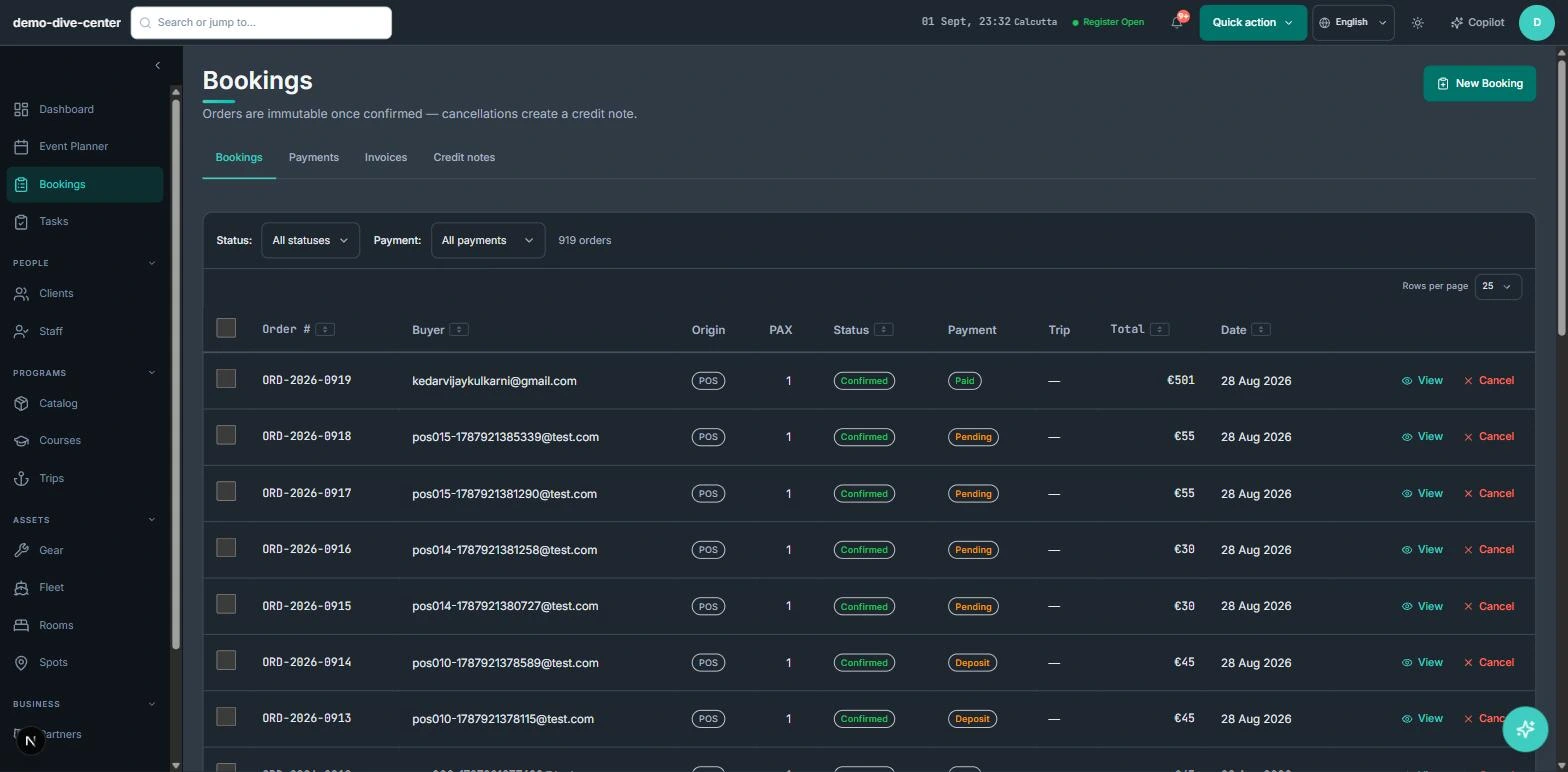
Website bookings, front-desk sales, and pre-paid hour blocks all draw from the same instructor capacity. An hours package bought online is visible to the team immediately, and hours are drawn down as they are used.
- Booking widget for lesson blocks, courses, and taster sessions with a deposit or full payment
- Pre-paid hour packages tracked per student and drawn down session by session
- Front-desk POS for walk-in lessons, gear hire, and retail on one ticket
- Agent and hotel referrals recorded with their commission, ready to settle
- 0% platform commission on direct bookings
Wind-dependent scheduling that actually holds the wind
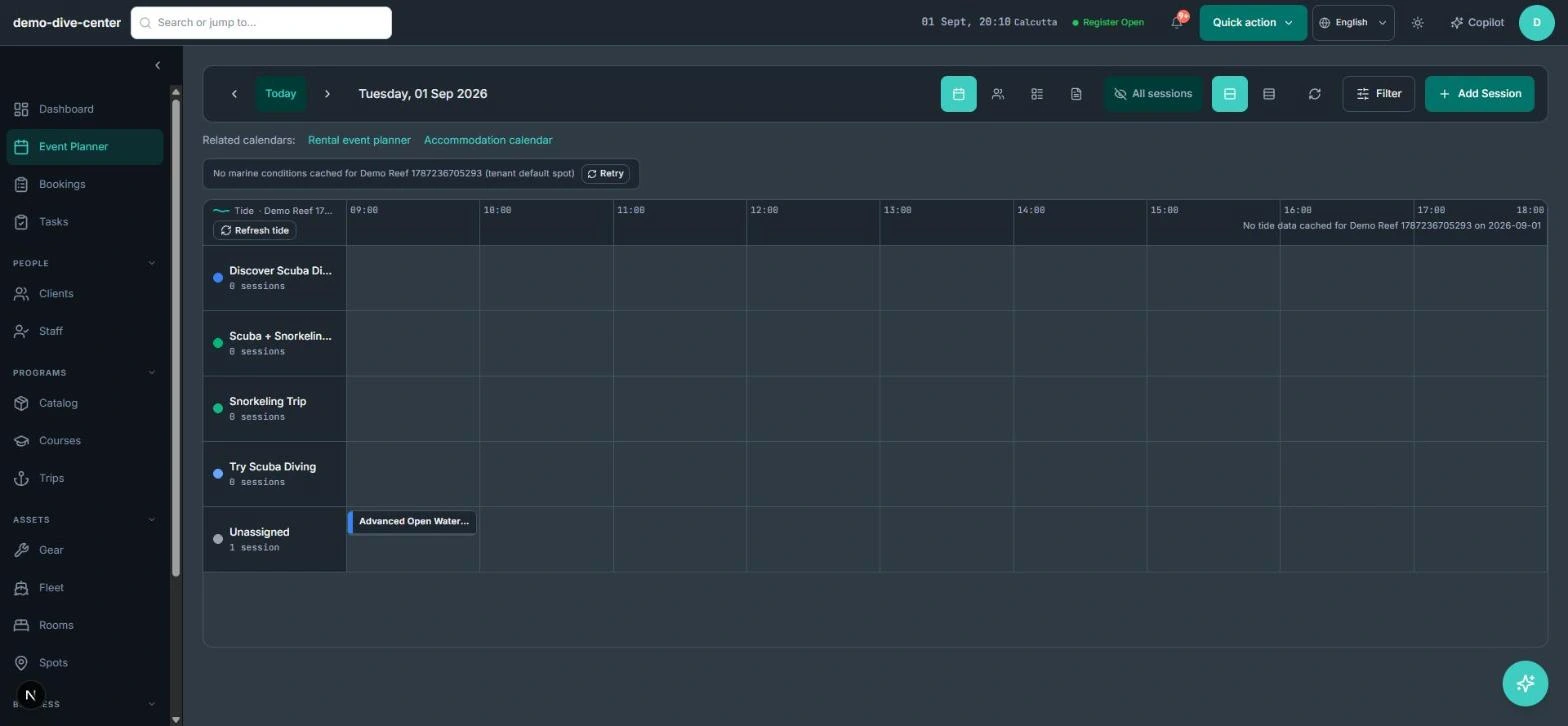
Each session shows the forecast wind speed and direction for your spot next to the roster and the kite board. Provisional lessons stay flagged as wind-dependent until you confirm, and confirming reserves matched gear.
- Wind speed, direction, and gust context on the session from your spot's forecast
- Per-activity thresholds with a minimum and a maximum wind limit, so a session is flagged when it is too light or too strong
- Kite size and harness reserved against student weight when a session confirms
- Radio helmet and safety-boat availability scheduled alongside the instructor
- Confirm or postpone a whole session in one move, with automated messages to every student
Progression and comms on autopilot
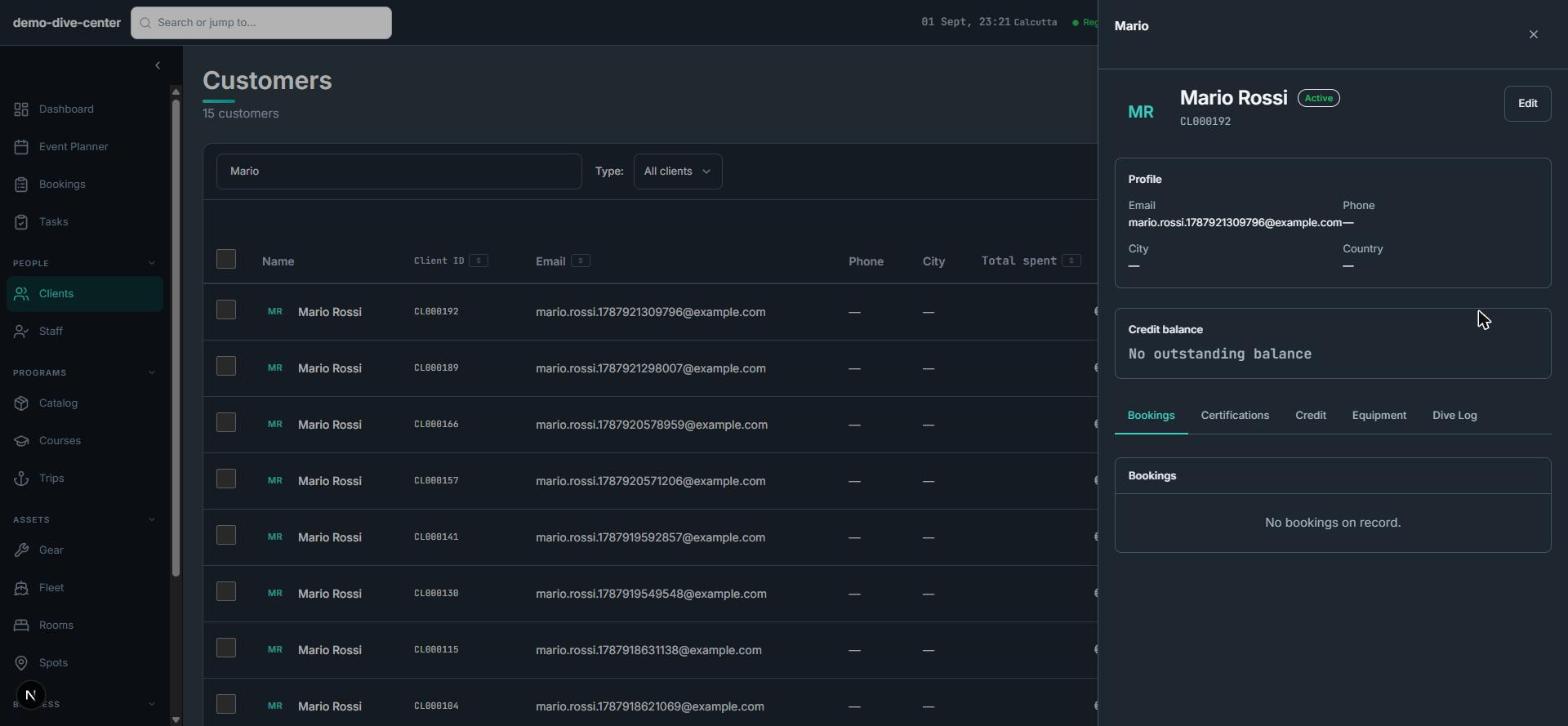
IKO or VDWS progression, waivers, and confirmations travel with the booking. Money-affecting changes leave a clean trail instead of overwriting a paid order.
- Progression logged step by step per student for IKO / VDWS sign-off
- Per-participant digital waivers with typed e-signature and conditional health questions — built in
- Batch confirmations and "wind is on" messages with meeting point and kit
- Order immutability: an edit to a paid order creates a credit note, not a silent rewrite
- An AI copilot that reads the day and can reschedule or reassign students, with a confirm step on riskier actions
What changes when the operation is connected
Wind windows become lessons
One confirm action turns a forecast into a kitted, briefed session with the whole group notified.
Expensive gear stays tracked
Kites and harnesses committed to a session are never double-booked to a walk-in.
Hours never go missing
Pre-paid blocks are drawn down automatically, so nobody argues about how many are left.
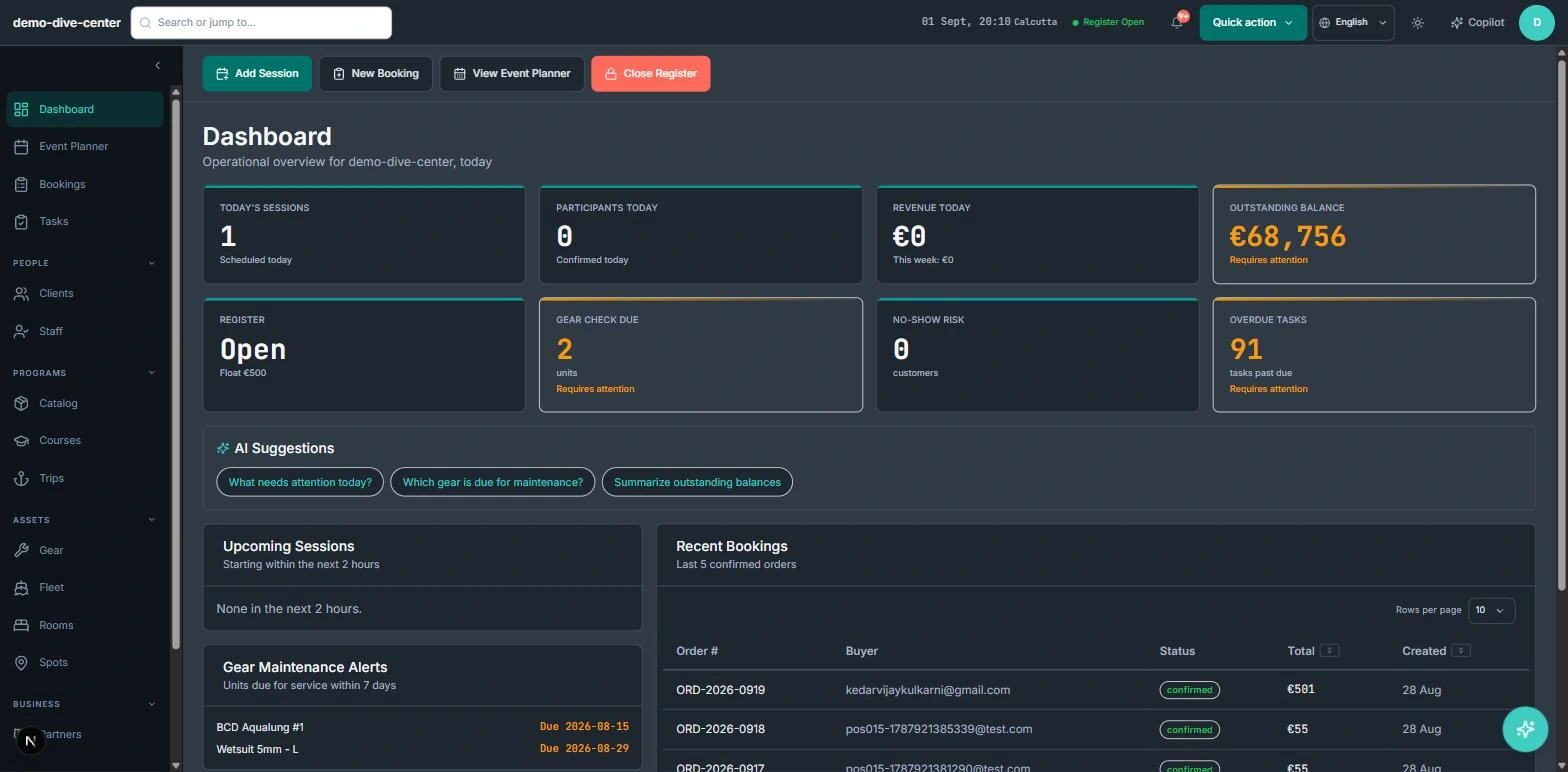
One picture of the day
Forecast, roster, gear, and progression sit in one view instead of three.
Built around the work
Stop acting as the manual API between your booking engine and your team.
Common Questions
How RidgeHQ handles kitesurf schools edge cases.
See RidgeHQ for kitesurf schools
Book a demo and we'll walk through your real operational workflows — bookings, schedule, resources, and the day close.
Book a demo — Kitesurf Schools
Tell us about your operation and we'll tailor the walkthrough.