From enrolment to the last tack, one system.
Generic booking tools struggle with summer courses, private coaching, and fleet charter at once. RidgeHQ keeps every service in one place so you sell across channels and keep sessions on time.
- 0% commission on direct bookings
- Vessels, inspection dates, and crew in one place
- Multi-day courses block boat and instructor
See it on your operation
A short walkthrough of RidgeHQ mapped to how sailing schools actually run the day — bookings, schedule, resources, and the close.
Book a DemoTakes about two minutes to request.
The operational reality
A sailing school is a scheduling puzzle: a five-day course needs the right boat for five days, a qualified skipper for the same five days, and no clash with a maintenance haul-out or a weekend charter. Run that across a fleet on a spreadsheet and something gets double-booked.
Core Constraints Managed
- Vessel availability against courses, charters, and maintenance blocks
- Skipper and instructor qualification requirements per vessel
- Minimum and maximum crew limits for specific boats
- Inspection, licence, and insurance expiry dates per vessel
- Multi-day course blocks spanning consecutive days
How RidgeHQ helps
The fleet — each vessel's capacity, inspection and licence dates, and assigned crew — sits inside the same calendar as your courses, so a multi-day course reserves the boat and the skipper together and refuses to clash.
From booking to day close:
Book the course. A client books a five-day Competent Crew course online and pays a deposit.
Take payment. The deposit is captured through your own gateway; the balance is scheduled against the order.
Hold boat and skipper. A specific keelboat is reserved for the five days and a qualified skipper is assigned to the same block.
Brief the crew. Each participant signs the waiver and health questions; joining instructions and a packing list go out automatically.
Run the course. The multi-day block shows on the agenda holding boat and instructor; progression is logged each day.
Turn the boat around. After the course the boat drops into a cleaning and turnaround block, and the day's totals land in reporting.
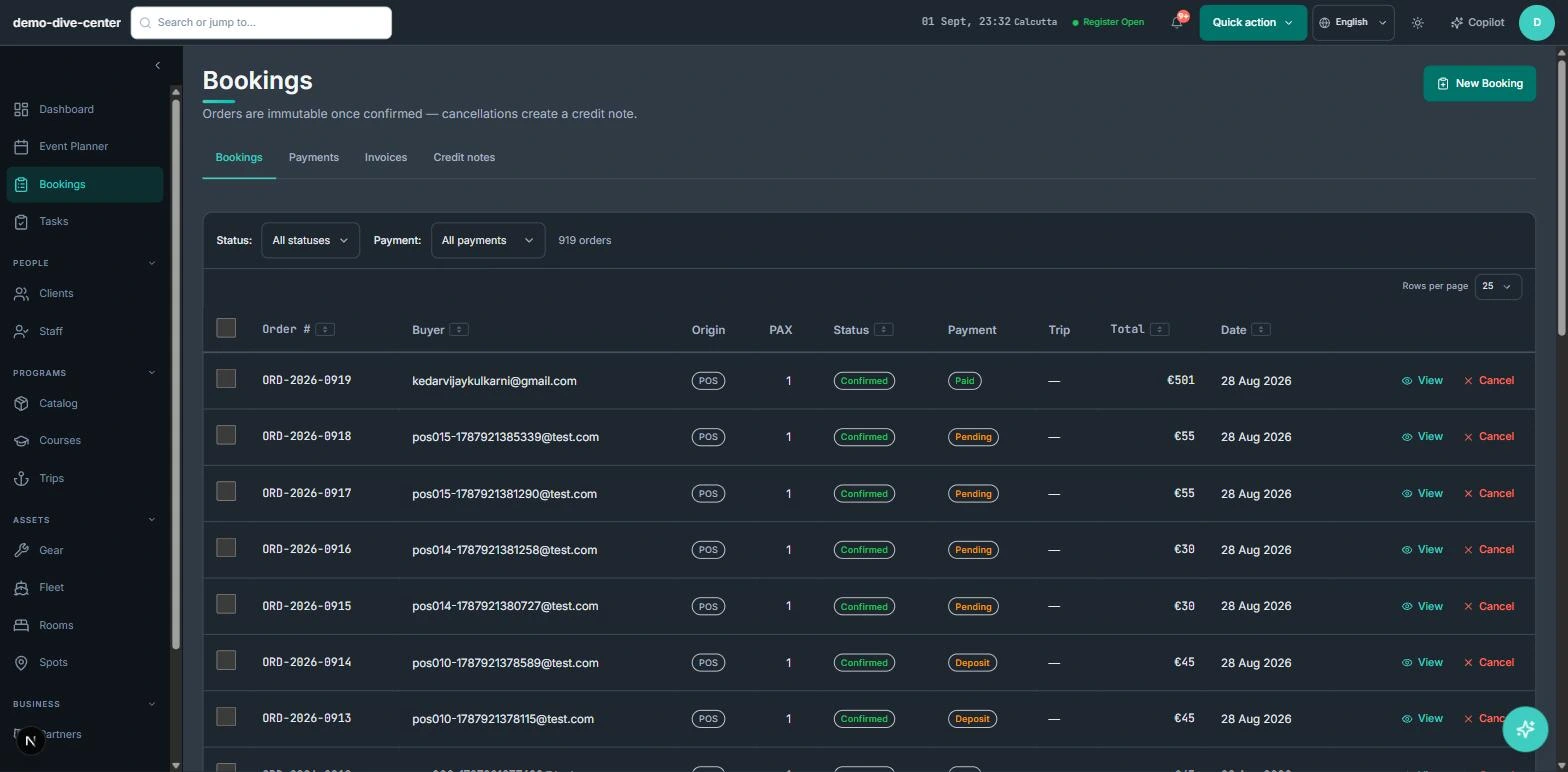
Courses and charters from one calendar
Instruction courses and bareboat or skippered charters draw from the same fleet availability, so a boat booked for a weekend charter is not offered to a course starting Monday.
- Booking widget for courses, progression pathways, and charters with a deposit or full payment
- Skippered and bareboat charters managed alongside taught courses
- Front-desk POS for day sails, membership, and retail on one ticket
- Referrals and agents recorded with agreed rates and commission tracking
- 0% platform commission on direct bookings
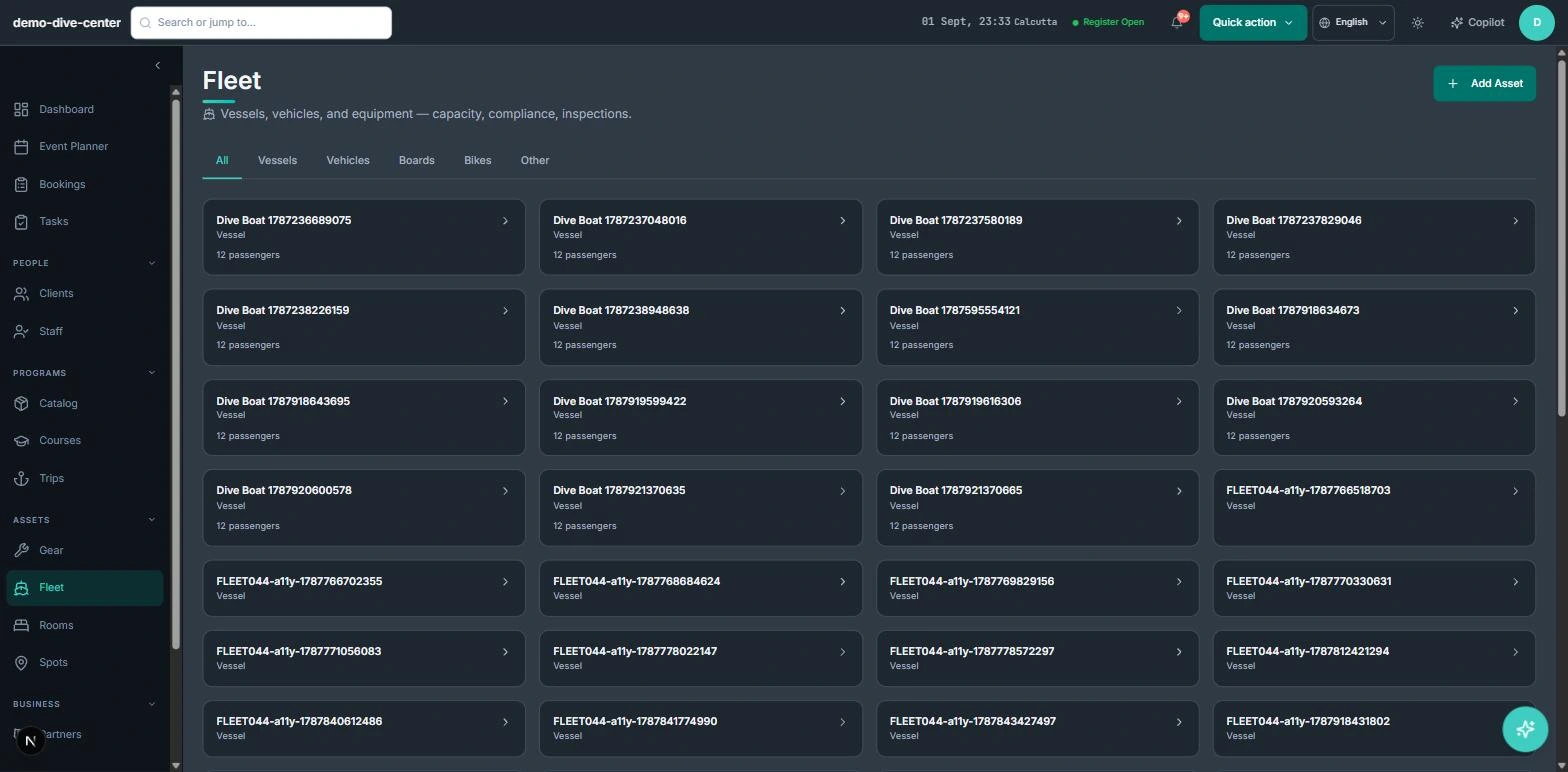
Fleet management inside the schedule
Every vessel carries its passenger capacity, registration, and inspection, licence, and insurance expiry dates, plus its assigned crew. Maintenance and turnaround blocks sit on the same calendar as the courses.
- Vessel records with capacity, registration, and inspection / licence / insurance expiry tracking
- Crew assignment per vessel, so only qualified skippers can be scheduled to it
- Maintenance, haul-out, and turnaround blocks that take a boat out of availability
- Multi-day courses that block both the vessel and the instructor for the full run
- Minimum-crew limits enforced per vessel before a session can confirm
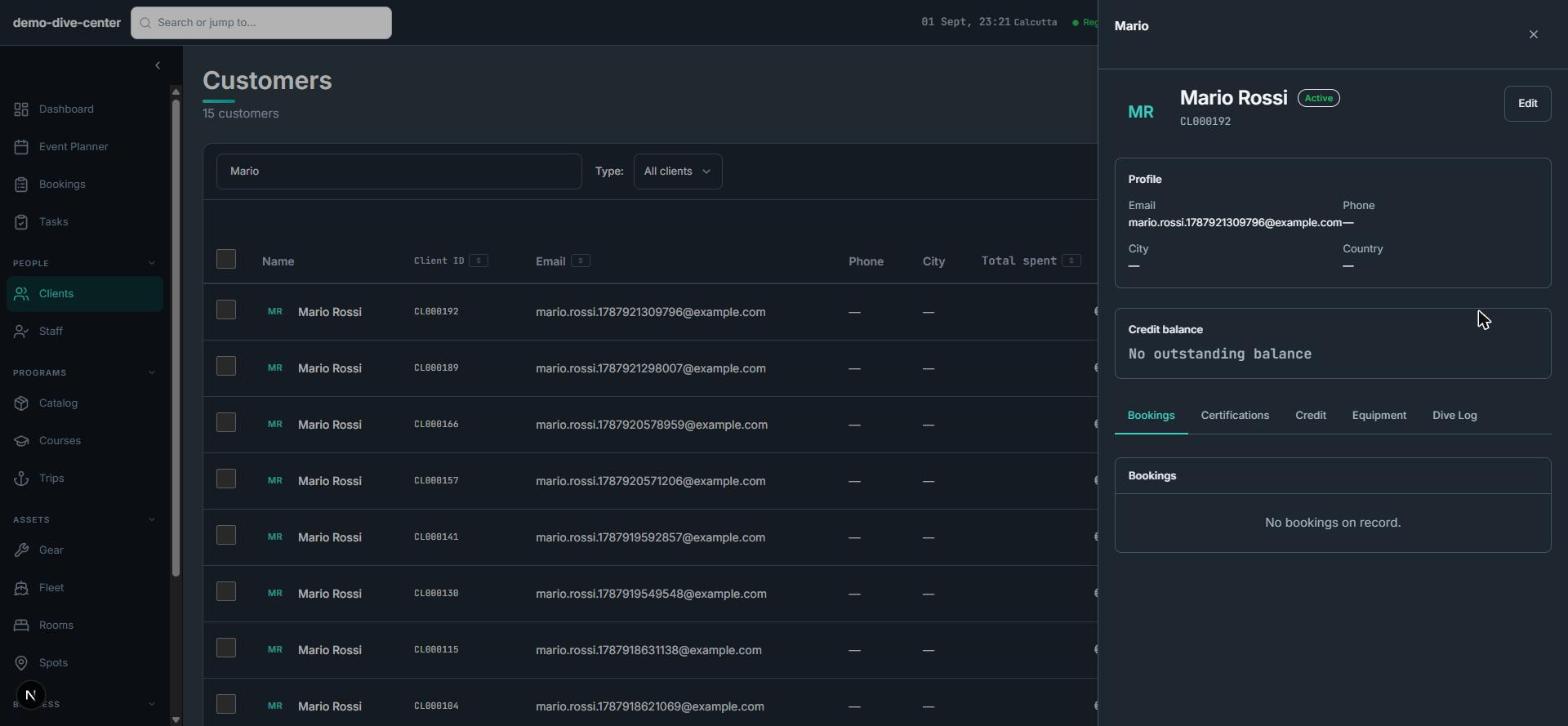
Admin on autopilot
Joining instructions, waivers, and progression records travel with the booking, and money-affecting changes leave a clean trail.
- Automated joining instructions, packing lists, and pre-course reminders
- Per-participant digital waivers with typed e-signature, conditional health questions, and guardian consent for minors — built in
- Progression logged per student across a multi-day course for certificate sign-off
- Order immutability: an edit to a paid order creates a credit note, not a silent rewrite
- An AI copilot that reads the schedule and can reschedule a session or reassign crew, with a confirm step
What changes when the operation is connected
No more double-booked boats
Courses, charters, and maintenance share one calendar, so a vessel can only be in one place.
Only qualified crew get scheduled
Crew assignment per vessel means an unqualified skipper cannot be dropped onto the wrong boat.
Compliance dates in view
Inspection, licence, and insurance expiry are tracked on the vessel, not remembered.
One picture of the operation
Fleet, instructors, bookings, and payments move together instead of across separate tools.
Built around the work
Stop acting as the manual API between your booking engine and your team.
Common Questions
How RidgeHQ handles sailing schools edge cases.
See RidgeHQ for sailing schools
Book a demo and we'll walk through your real operational workflows — bookings, schedule, resources, and the day close.
Book a demo — Sailing Schools
Tell us about your operation and we'll tailor the walkthrough.